Mouse Maker
Mouse Maker
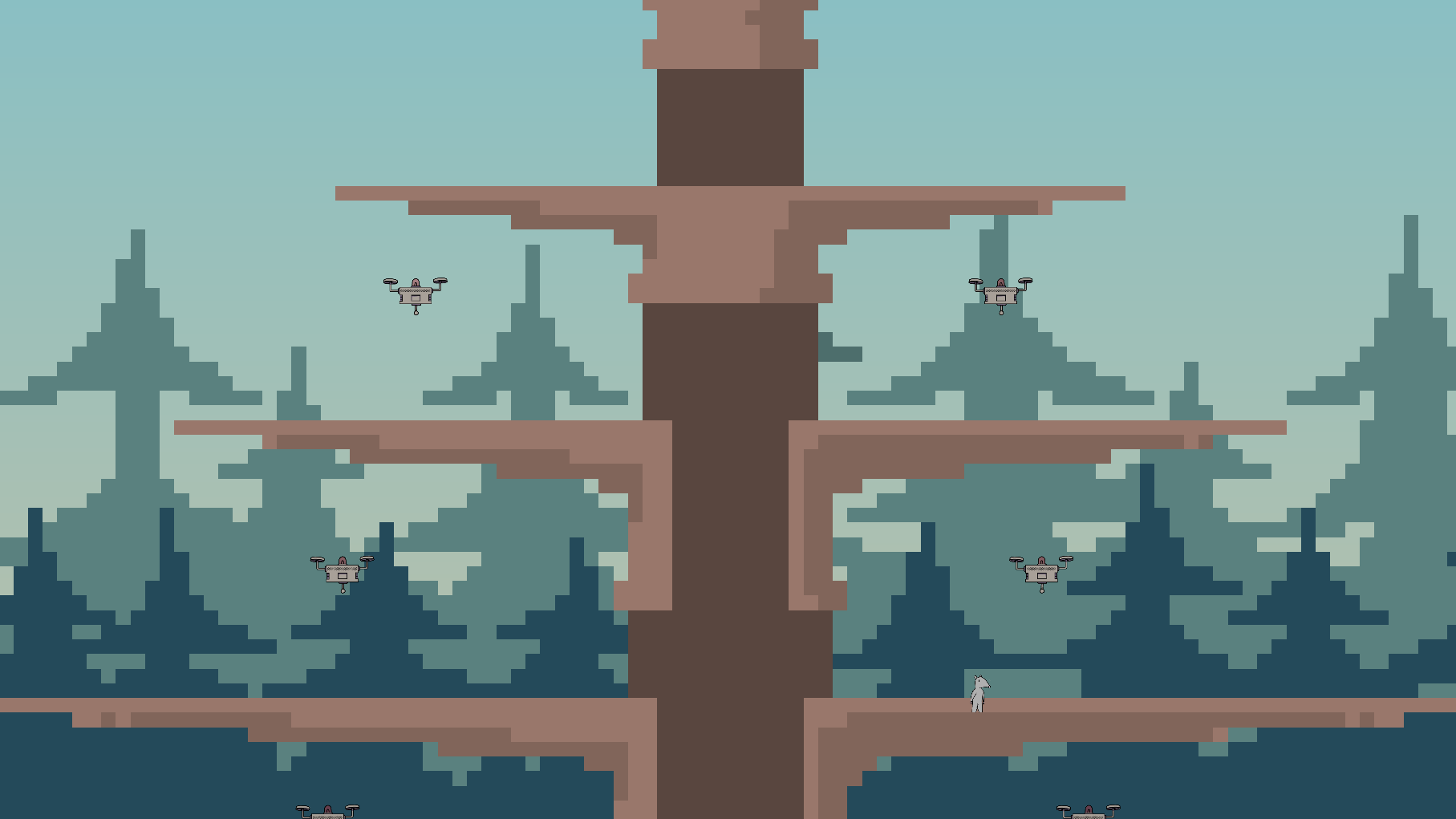
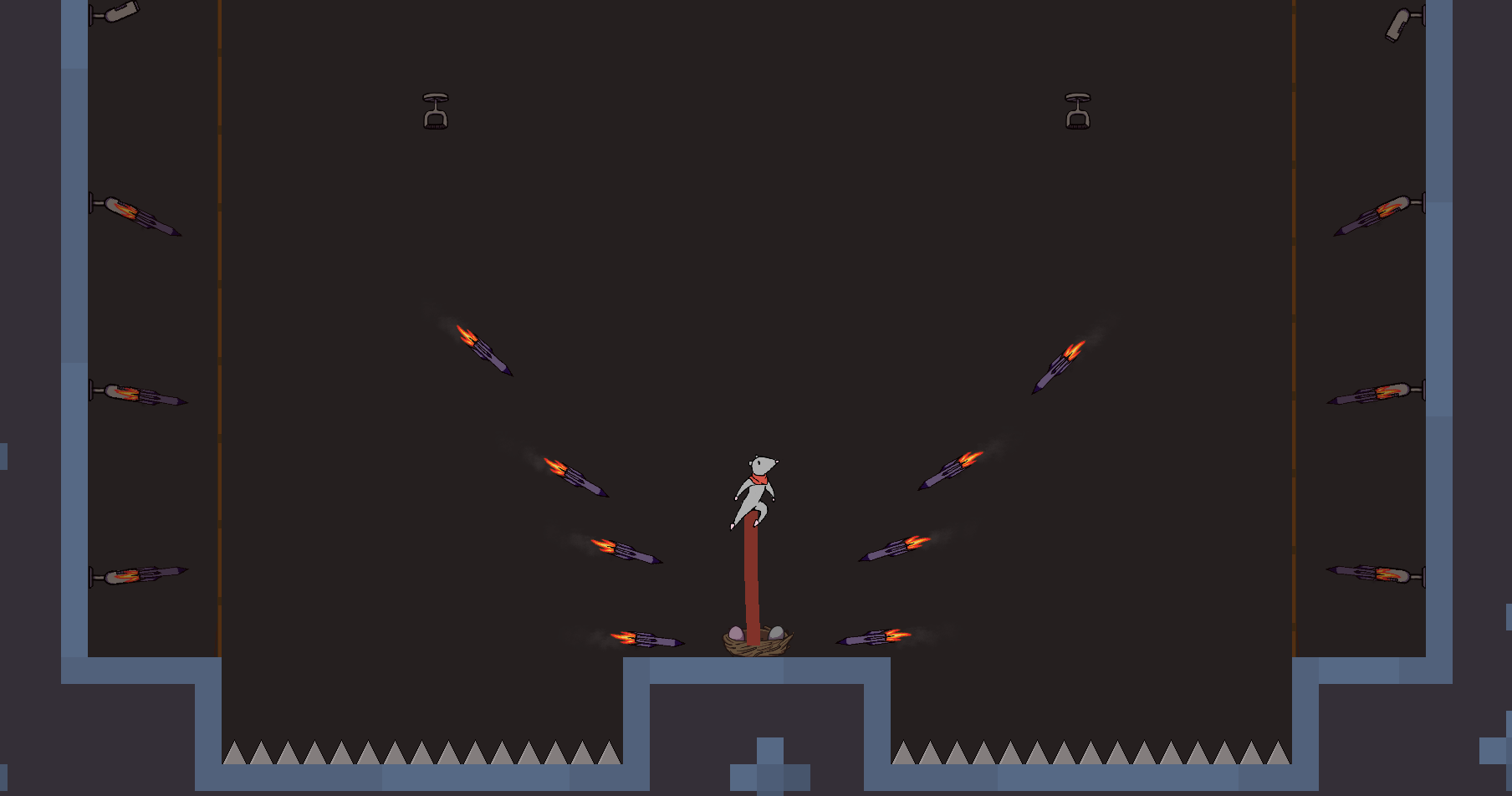
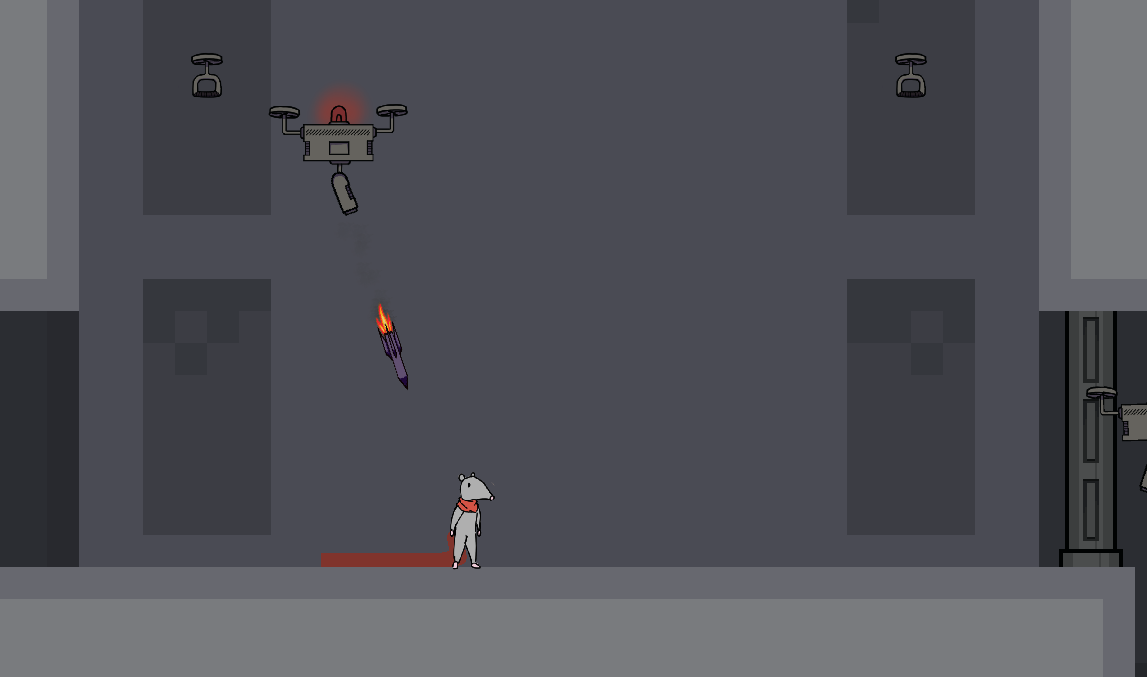
Choose a loadout for your mouse, then go on a heist to steal some high-quality cheese! Depending on what weapon and outfit you choose, you'll be able to use different abilities. Find what combination works the best, and complete your mission as fast as possible!
Controls (Mouse Recommended)
- Use WASD to move.
- Press SPACE or W to jump.
- Walljump by jumping near a wall.
- To use your weapon, aim with the mouse and LEFT CLICK.
- To use your gear, aim with the mouse and RIGHT CLICK.
- Wizard Hat: Press RIGHT CLICK to switch positions with a targeted object or enemy. When you teleport, you gain a burst of speed!
- Scarf: Press RIGHT CLICK to grapple onto an object or enemy. For some sturdy objects, you can swing by holding onto the scarf. Press RIGHT CLICK again to pull towards your scarf, and press SPACE to jump off.
- Angel Wings: Hold RIGHT CLICK to charge an air dash! When you flap your wings, you can blow objects and enemies away. Once you've dashed, you can hold RIGHT CLICK to float in mid-air.
- Press R to quickly reset a level
- Press Q to exit to the level select screen.
I recommend you play this game as if you were playing minecraft or an FPS - left hand controlling movement, left thumb on space for jump, and right hand on the mouse. Play however you see comfortable, though!
This game was made using GameMaker as a part of Game Dev Knock Out (GDKO) 2026 for both round 1 and round 2.
Development log
- Mouse Maker v1.2 Released!Feb 12, 2026
- Mouse Maker v1.1!Jan 26, 2026
Comments
Log in with itch.io to leave a comment.
Nice design and art! I was a little confused by the blue crystals in the levels. It felt like I should be able to pick them up, but never managed to do so. Overall fun character and good starting UI!
Sorry about that! they’re just supposed to be interactables. in round 2 i’ll change them to something more basic. thanks so much for playing!
Love the game, especialy the swinging mechanic, and the fact that you actualy made the items work and not just as accessories.
thank you!!